Help
Frequently asked questions
Almost always this means the account is private. LevelForge reads only what the platform publishes publicly, and we never ask for your password, so if your profile or your game data is hidden, the lookup finds nothing. Make the account public, then look it up again in Settings → Link platforms.
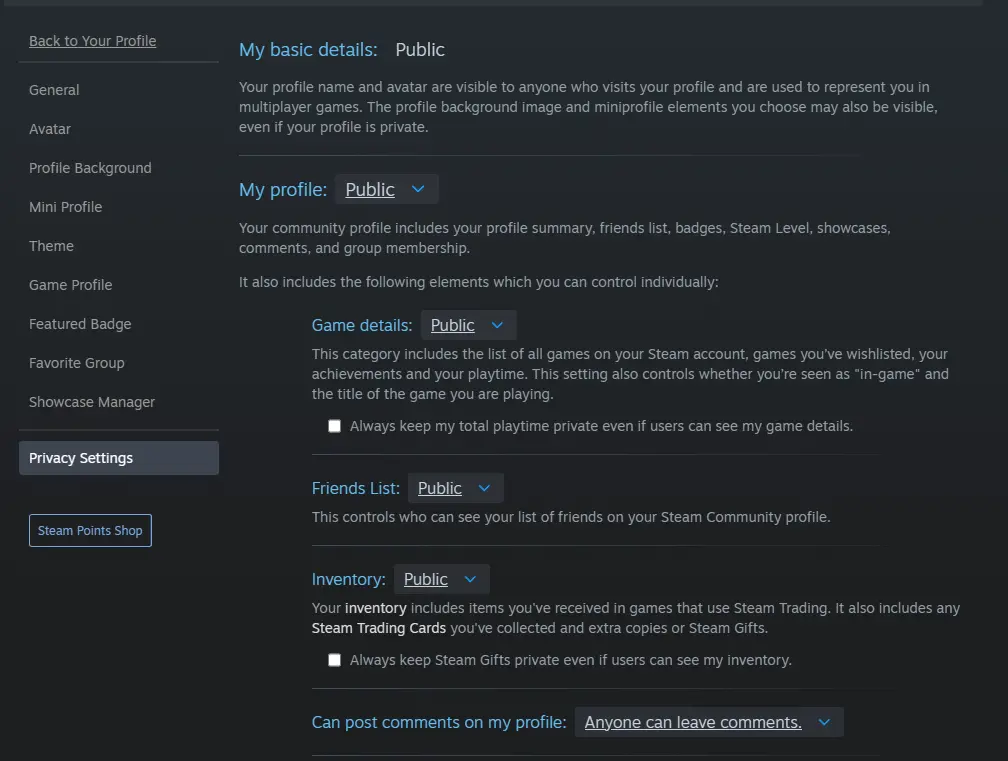
- Steam
- Profile → Edit Profile → Privacy Settings. Set both "My profile" and "Game details" to Public, and leave "Always keep my total playtime private" unchecked. That box hides your hours even on a public profile.
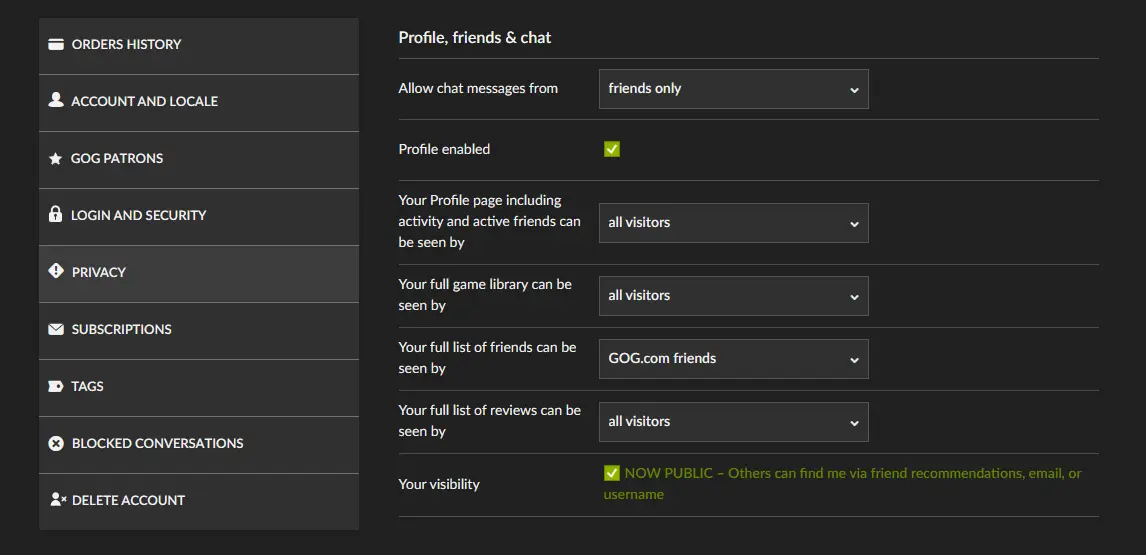
- GOG
- gog.com → Settings → Privacy. Set your profile, your games list, and your achievements to Everyone.
- Epic Games
- Epic Games Launcher or epicgames.com → Account → Privacy, and turn your player profile on so achievements are visible. You link with your 32-character account ID rather than a username. "Where do I find my Epic Games ID?" below shows where to get it.
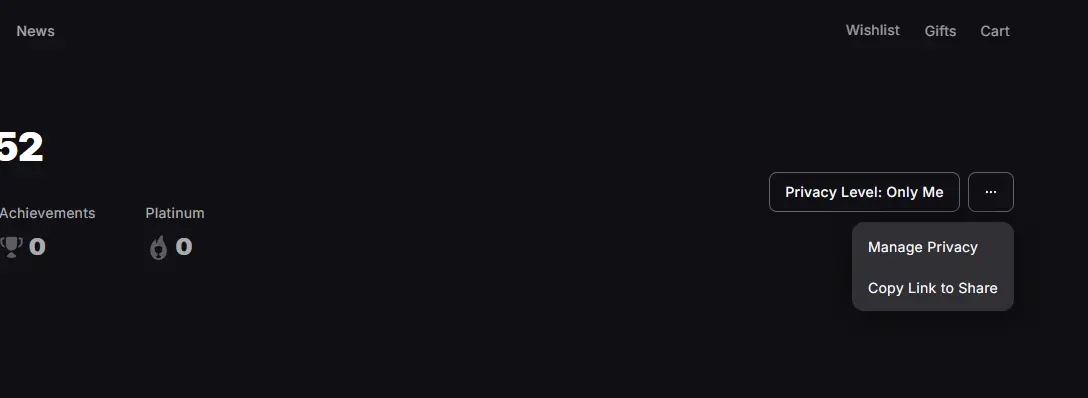
- PlayStation Network
- Console: Settings → Users and Accounts → Privacy → Gaming | Media, and set Trophies to Anyone. The same setting is under Privacy Settings on your PlayStation account page on the web.
- Xbox
- account.xbox.com/Settings → Privacy & online safety → Xbox privacy → View details & customize → Profile. Set "Others can see your game and app history" to Everybody.
- Riot Games
- Nothing to make public. Enter your full Riot ID including the tag after the # (that tag is not always your region, so use whatever appears in-game) and pick the right region.
- Battle.net
- Nothing to make public. You sign in through Blizzard instead of typing a username. Only US-region accounts are supported right now.
Privacy changes can take a few minutes to propagate on the platform's side. If a lookup still fails after that, double-check you're entering the right identifier. Steam accepts a username, a profile URL, or a SteamID64, and How do I find my Steam account ID? below shows where to get them.
One more thing to check: a successful lookup only shows you a preview. Nothing is stored until you press Save connections.